StoreMFG ConnectCNC AcademyAerospaceSwissGrindingResourcesTitan TVAbout
Titans of CNC
Real Education. Real Results.

CNC Academy

  • Core Machining
  • Aerospace
  • Swiss Machining
  • Grinding
  • CAD / CAM
  • Certifications

Resources

  • Downloads
  • Reference Guides
  • Tooling
  • Post Processors

Titan TV

  • All Videos
  • Shop Tours
  • Product Reviews
  • Tech Tips

Stay Connected

© Titans of CNC, Inc. All rights reserved. Privacy | Terms of Use | Disclaimer

  1. Certifications
  2. CAD

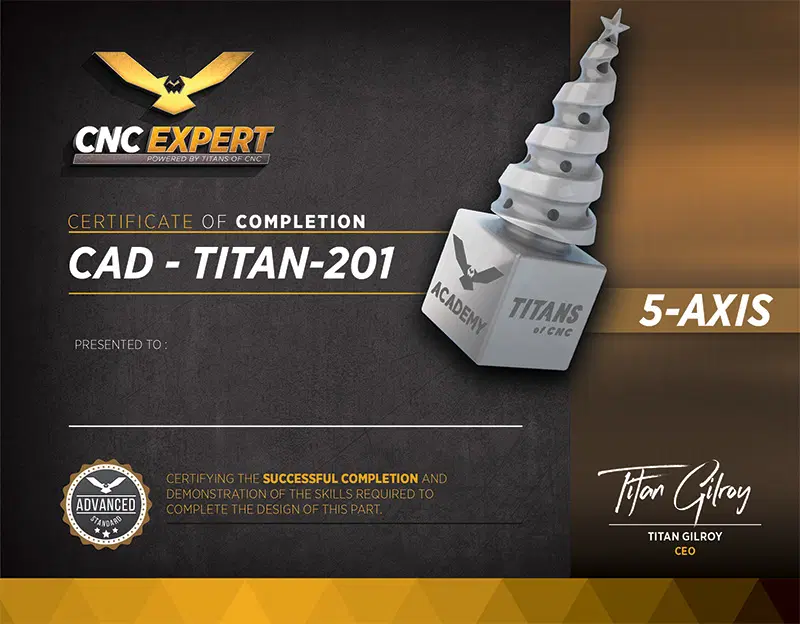
TITAN-201 CAD

The holder of the TITAN-201 CAD certificate demonstrated comprehension of design principles and created an accurate, fully-defined solid model using a dimensioned print and CAD software.

SKETCHING

  • Create SketchEnters Sketch mode and creates a new sketch on a selected plane or face.

  • Select Construction PlaneSelects plane on which to sketch part dimensions.

  • Center Point RectangleCreates a rectangle using one center point.

CREATING

  • CubeCreate a solid model from the dimensioned print.

  • DebossAdd engraving geometry to the solid model.

MODIFYING

  • Press PullModifies the selected geometry using offset, extrude, or chamfer commands.

  • ChamferPlaces a chamfer of a specified angle and distance at the intersection of two surfaces.
TITAN-201 CAD thumbnailImage
Purchase option
  • 4 Certificate Reviews per month (A $40 a la carte value)
  • 15% OFF all TITANS of CNC Merch & Tooling
  • VIP Access to exclusive Boombastic models & masterclasses
  • Cancel your subscription anytime

After subscribing, 1 included start will be used to open this certification automatically.

Already paid? Resume your certification start