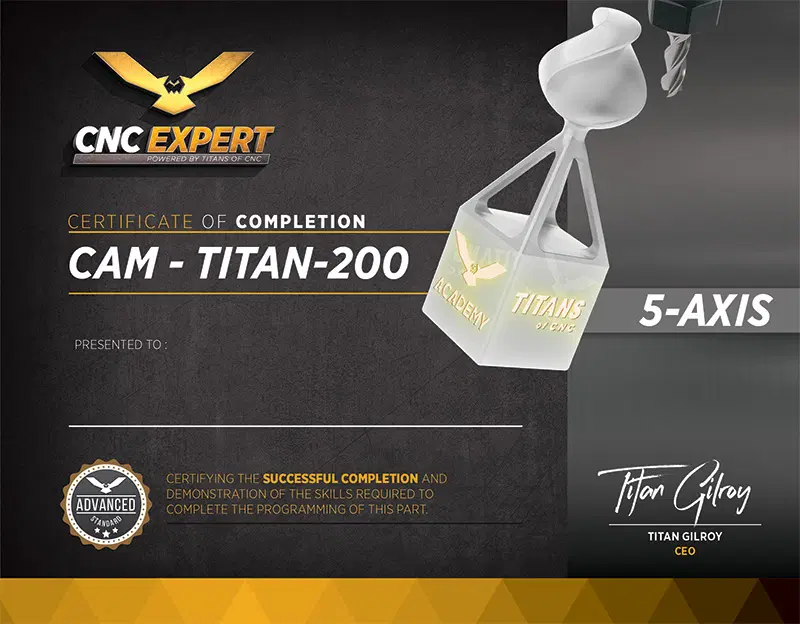
TITAN-200 CAM
The holder of the TITAN-200 CAM certificate demonstrated comprehension of programming principles and created an accurate, fully-defined NC program using a solid model, a dimensioned print, an operation & setup sheet, and CAM software.
SETUP
ImportMerge solid model with existing CAM files.
OrientationTransform models to known planes.
OriginDefine Work offset output for NC code.
StockConvert stock model operation to a mesh body for stock simulation.
2D TOOLPATHS
2D FacingCleans the stock from the top of the part to create an even surface for subsequent operations.
Toolpath Transform (Rotate Toolpath)Creates copies of operations in different orientations.
3D TOOLPATHS
3D Dynamic OptiRoughMachines very large depths of cuts with a bi-directional cutting strategy to remove the maximum amount of material with the minimum number of stepdowns.
3D Raster FinishingMachines a set of parallel passes with a stepover along a line at a set angle.
ACTIONS
SimulateMachine Simulation ensures the toolpaths are free from gouges, axis limitations, and results in a completed part. The tool and toolholder are also checked to ensure there are no collisions with the fixture or the machine table.